Introduce the Goat Challenge game in the Map Adventures app, which focuses on spatial directions and navigation.
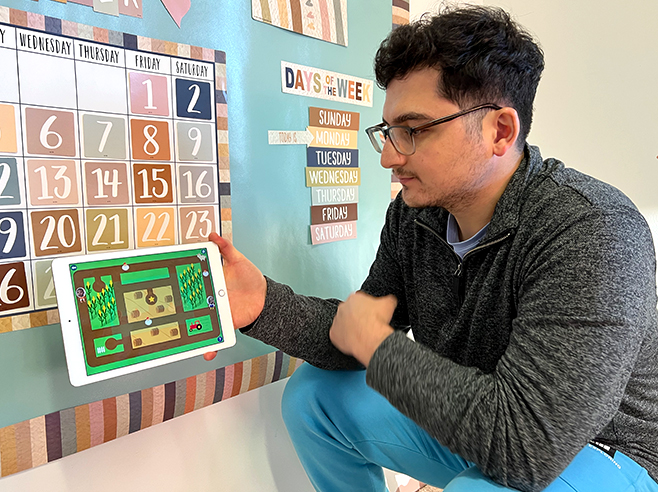
Demonstrate how to follow spatial directions and navigate the map to collect the animals.
Materials
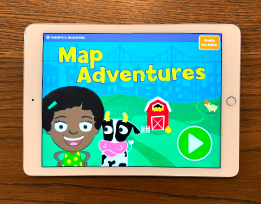
- Map Adventures digital game on the iPad (one for each pair of children)
Preparation
- Make sure the iPads are charged and Map Adventures is installed.
- Play the app yourself so that you feel comfortable demonstrating it to children.
- Note: You’ll introduce the app and how to play during Circle Time. Children will then play Map Adventures: Goat Challenge in pairs during Learning Center time.
Directions
- Tell children they are going to play a new Map Adventures game called Goat Challenge.
- Hold up the iPad and demonstrate how to play the game.
- If some children are new to Map Adventures or haven’t had a chance to play yet, explain that their faces will appear in the games! Then demonstrate how to hold the iPad to take a photo.
- Playing Goat Challenge. On the next screen, tap on the top Goat Challenge button (there are four different versions of the game that children can play). Demonstrate how to play. Children will collect the animals and deliver them to the star — all while avoiding the goats!
- Finish by telling them that everyone will get a chance to play Map Adventures: Goat Challenge during Learning Center time.