Play the eight Landmarks games! Go around the pond to collect ducklings, jump up and down with pigs, and more!
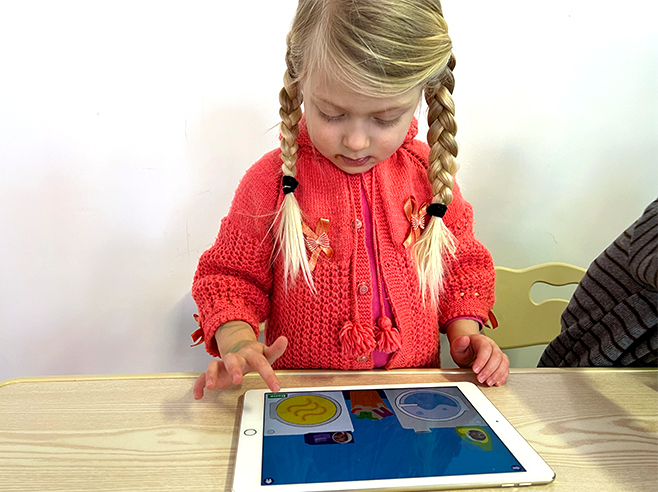
Children follow directions that use spatial language as they play the Landmarks games.
Materials
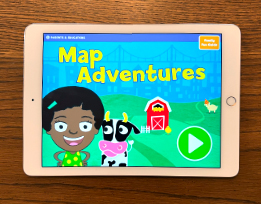
- Map Adventures digital game on the iPad (one for each pair of children)
Preparation
- Make sure the iPads are charged and Map Adventures is installed.
Directions
- Pass out iPads to pairs of children, and help them take their pictures at the beginning of the game.
- On the next screen, show children the eight circles in the middle. These are the eight Landmark games they can play together. Try to encourage children to play the eight Landmark games rather than sampling the games on the left and the right of the screen — they’ll have a chance to play those games later.
- As children play, ask them questions using spatial language from the games (e.g., Can you show me which way is left? What about right? Where’s the disco ball that’s above the chickens? Where’s the disco ball that’s below the chickens? What does it mean when we say “Daddy Duck goes around the boat?”)