Locate fair rides in augmented reality and make a map of the fair.
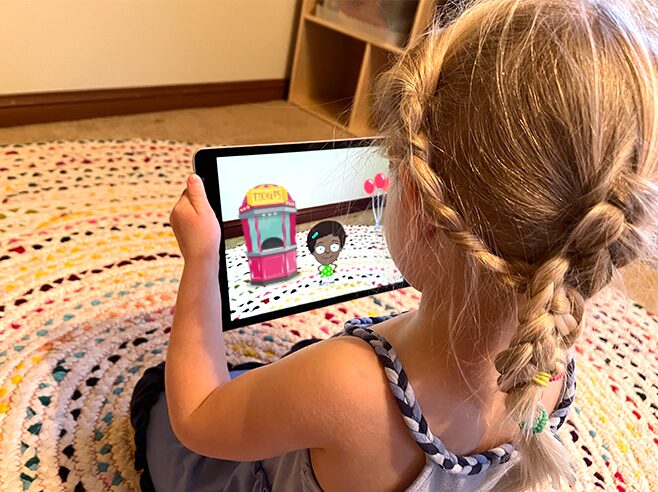
Help Gracie make a map of the county fair in augmented reality (AR).
Materials
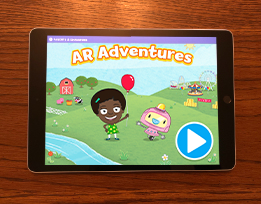
- AR Adventures app on the iPad (one iPad per child)
Preparation
- Make sure the iPads are charged and the AR Adventures app is installed.
- Be sure to first introduce the app and how to play during Circle Time or in a small group. See the separate Intro to the Map the Fair activity.
Directions
- Remind children that they are going to play a game in which they make a map of a fair. Explain: In this game, we will help Gracie make a map of the entire fair. First we will go to the fair, get a ticket for a ride, and then locate that ride. Once we win a sticker for the ride, we’ll place it in the correct spot on the map.
- Demonstrate the game as you did in Circle Time or a small group, but this time, invite volunteers to help. For example, different children can follow Gracie’s directions to get a ticket, find the ride and win a sticker, and place the sticker of the ride in the correct spot on the map.
- Pass out an iPad to each child and have them play, guiding them as needed.
- Go to the fair and find the rides to win stickers. Help children build their spatial knowledge as they locate the rides in the augmented reality fair.
- Create the map. Based on what they noticed in the augmented reality fair, children will drag stickers of the rides and place them in their correct locations on the map. If children are having trouble remembering where a ride goes, the game will automatically take them back to the fair after two incorrect sticker placements on the map. Repeat the spatial relationships between Gracie and other rides to support children (for example: When we looked at Gracie in the fair, we turned right to see the Ferris wheel. Now we’re looking at Gracie on the map. Where should the Ferris wheel go?).
- Once successful, congratulate children on being able to create a map of the fair!
- Children may need a few tries to manage the AR game. Have children play Map the Fair again throughout the week, as your classroom schedule allows.